- Published on
Freezer Inventory Printable: Free PDF and a Simple Update System
A useful freezer inventory records the food, the size of one unit, how many units remain, the batch date and its location. Update the quantity when you remove something, and give a new batch its own row. That makes “three bags” meaningful and keeps older and newer batches from becoming one confusing total.
Download the free freezer inventory sheet
Both versions contain twelve blank rows and a short grocery-day review checklist. They are static printables for handwriting, not fillable PDF forms or a shared inventory app. No account or email is required to download them. Your handwritten entries are not sent to MoaWiki.
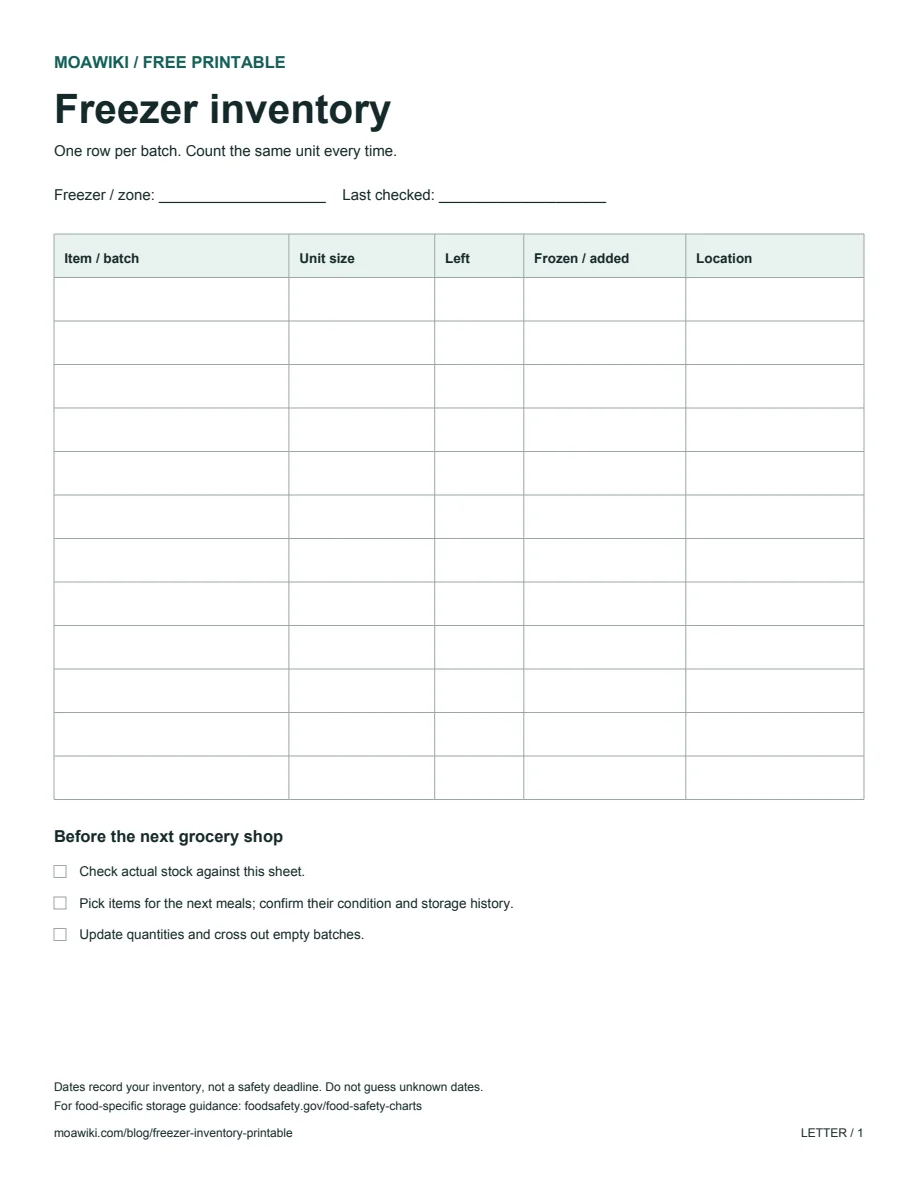
Preview of the actual US Letter download. The A4 version contains the same fields.
Print in portrait orientation with the matching paper size. Start with Actual size or 100%; if your printer clips the margins, choose Fit. For a small freezer, use one sheet. For several drawers or a chest freezer, use a sheet per zone and write the zone at the top.
Choose a counting unit before you start
“Chicken: 3” could mean three pieces, three family packs or three portions. Write the unit separately so another person can update the list without guessing.
| Item / batch | Unit size | Left | Frozen / added | Location |
|---|---|---|---|---|
| Bread rolls | 1 roll | 6 | Oct 18, 2026 — frozen | Top drawer |
| Peas | 1 unopened 500 g bag | 2 | Oct 19, 2026 — added | Basket B |
| Soup, batch A | 1 labeled container | 3 | Oct 18, 2026 — frozen | Lower shelf |
These entries are fictional bookkeeping examples, not storage-life recommendations. Use your actual labels and dates. For food bought already frozen, record the date added to your freezer and identify it as “added”; do not invent a freezing date. Write “unknown” if a date is missing.
For containers of different sizes, specify the size or split them into separate rows. If you open one bag of peas, either record the remaining amount with a clear unit or move that bag to a separate “opened bag” row. Do not leave it counted as one unopened bag.
What to change when food goes in or comes out
Keep a pen with the sheet and make the update part of taking out the package.
| Action | Before | After |
|---|---|---|
| Take two rolls | 6 rolls | Change Left to 4 |
| Add rolls from a new batch | 4 rolls in the old batch | Keep that row; add a dated row for the new batch |
| Move soup to Basket C | Lower shelf | Change Location to Basket C |
| Use the last container | 1 container | Cross out the row |
A crossed-out row means that batch is gone. A blank quantity is ambiguous: it might mean zero or “not counted yet.” Pick one convention and explain it to everyone using the freezer.
When the page becomes difficult to read, copy only the remaining batches onto a fresh sheet. Recount them as you copy rather than carrying an old mistake forward.
A grocery-day review that connects stock to meals
Before making the shopping list, compare the sheet with the packages you can identify. Work through one zone at a time and avoid leaving food out while completing paperwork.
Then write down which items you plan to use in the next meals. For example, four rolls on the inventory can become two planned lunches; the shopping list only needs the missing ingredients. Treat this as a planning example, not a promise that a fixed amount will feed every household.
If the list repeatedly becomes inaccurate, simplify it. Start with the items you often buy twice or forget, rather than cataloguing every ice cube and condiment. Mark the sheet as a partial inventory so other people know what it covers.
A date on the sheet is not a food-safety decision
This printable does not calculate expiration dates or determine whether food is safe after thawing or a power outage. A newly written inventory entry does not reset a food's storage history.
The FoodSafety.gov cold food storage chart distinguishes refrigerator limits from freezer quality guidance. Its freezer guidance assumes continuous storage at 0°F (-18°C) or below. Consult the food-specific guidance and the product label; this stock list cannot establish that those conditions were maintained.
Quick questions
Can I use the sheet for a chest freezer?
Yes. Label baskets or zones with simple names such as A, B and C, then use those exact names in the Location column. A location that only one person understands will be hard for anyone else to maintain.
Can I edit the PDF on the website?
No. These downloads are blank, static PDFs for printing. You can copy the table headings into your own spreadsheet if you prefer digital entries; MoaWiki does not sync those entries.
Do I need to track every item?
No. A clearly labeled partial list is useful if it stays accurate. Expand it only when the update routine is manageable.
Planning food contributions for a group instead? Use the English potluck sign-up sheet and host planner, or read the office potluck setup guide.